Precision Manual Focus
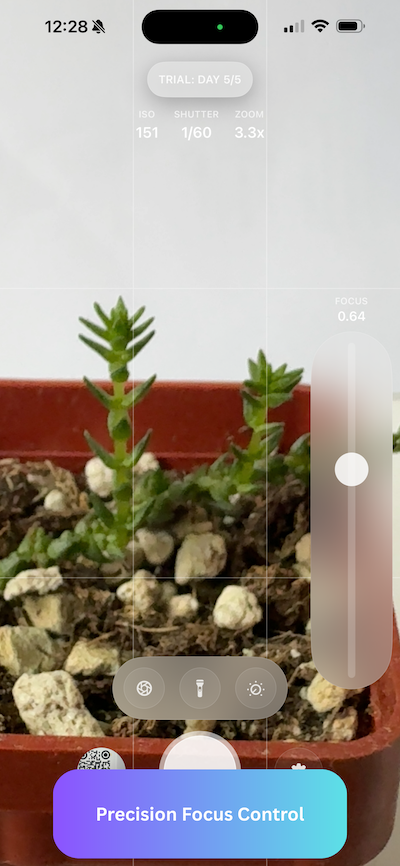
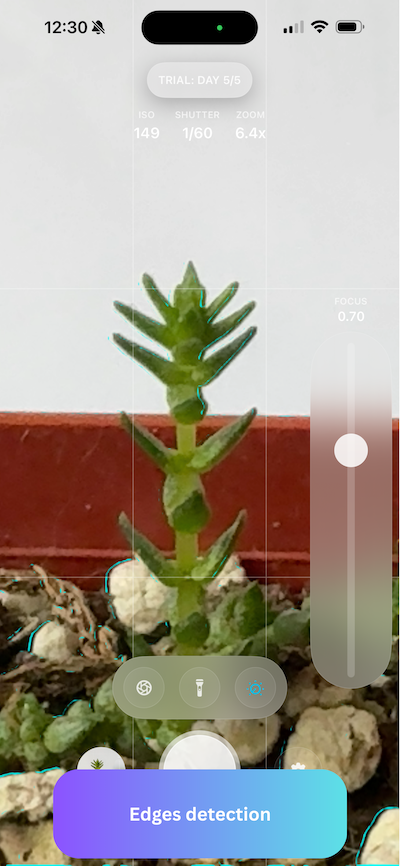
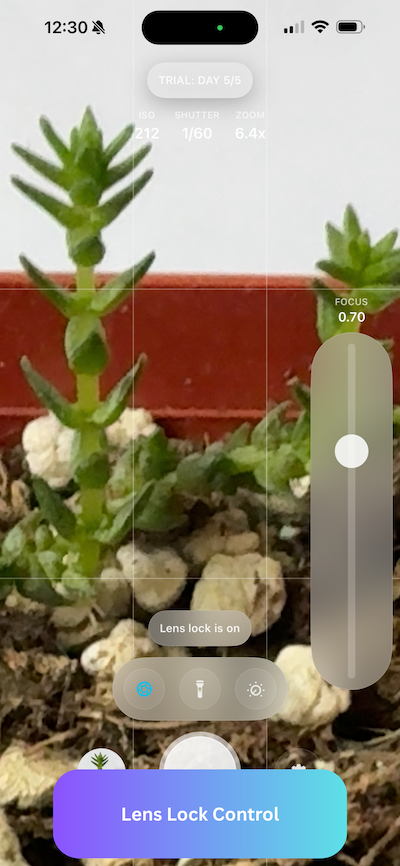
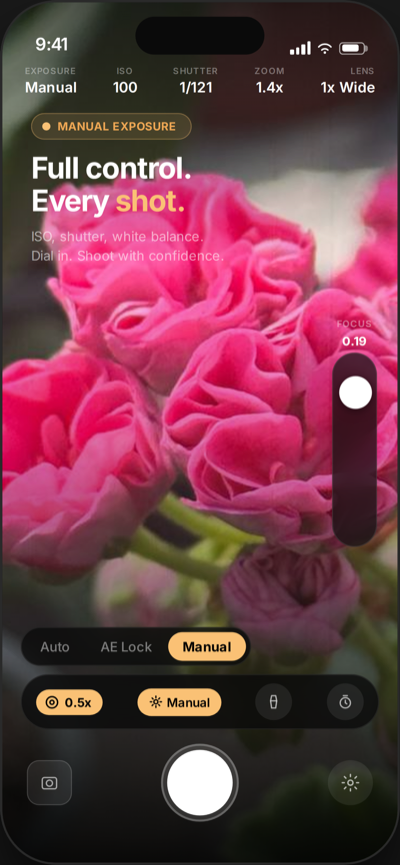
A large, thumb-friendly slider with haptic feedback gives you millimeter-precise focal control. Focus Lock then holds your chosen focus distance steady while you recompose the shot.
Professional Manual Focus for iPhone Macro.
Your iPhone's Ultra-Wide lens can focus far closer than you think. But the native camera keeps fighting you. Macro Camera Pro gives you tactile, precise control over focus on any iPhone running iOS 18 — turning frustrating autofocus into deliberate, professional macro photography.
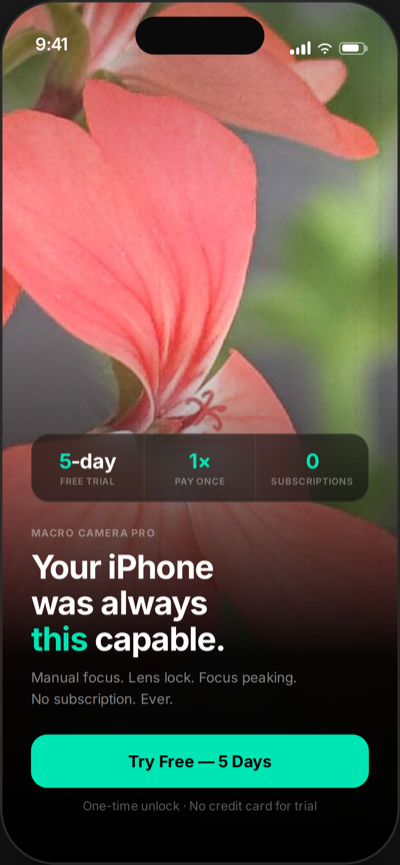
5-Day Full Pro Trial • One-Time Purchase
The native camera constantly switches between lenses, fighting your composition and losing your carefully framed shot.
Autofocus oscillates back and forth, never settling on your subject — especially in close-up situations where precision matters most.
Tap-to-focus isn't precise enough. You need millimeter-level adjustments that autofocus simply cannot deliver.
Drag to compare the same subject, shot with the stock Photo app and with Macro Camera Pro.
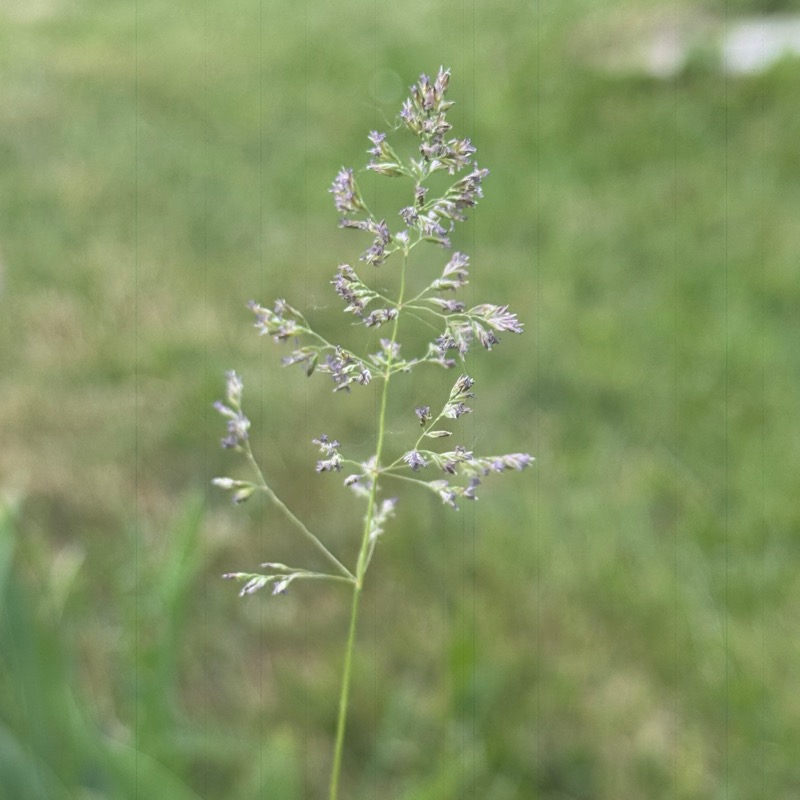
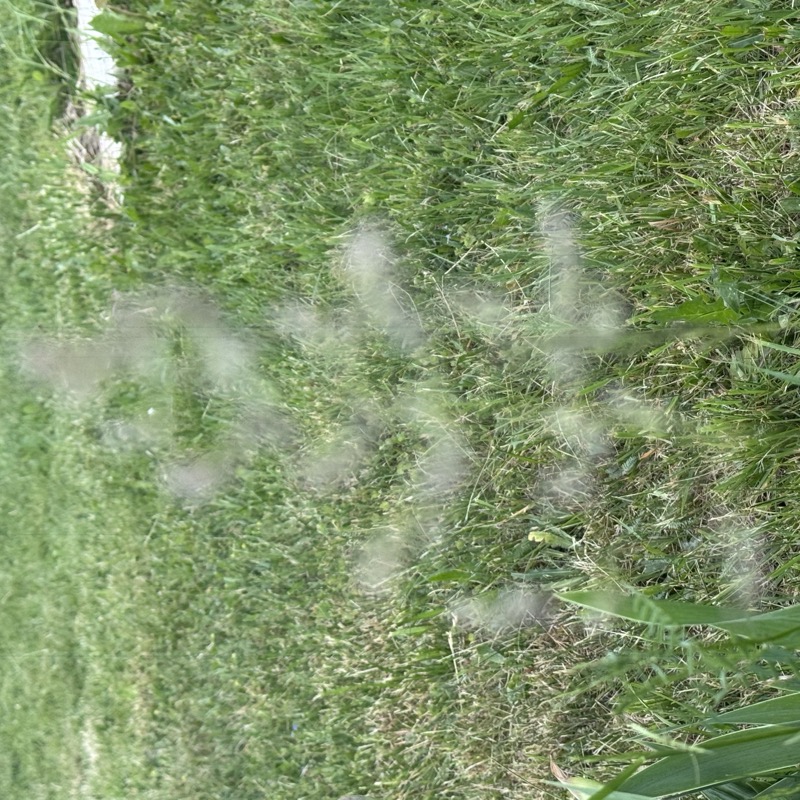 Photo app Macro Camera Pro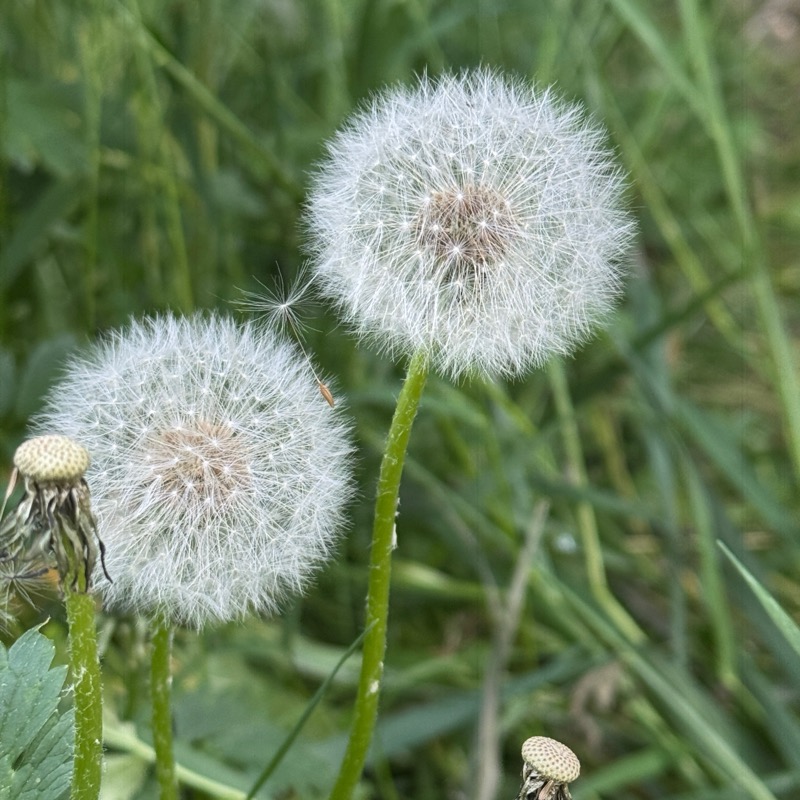
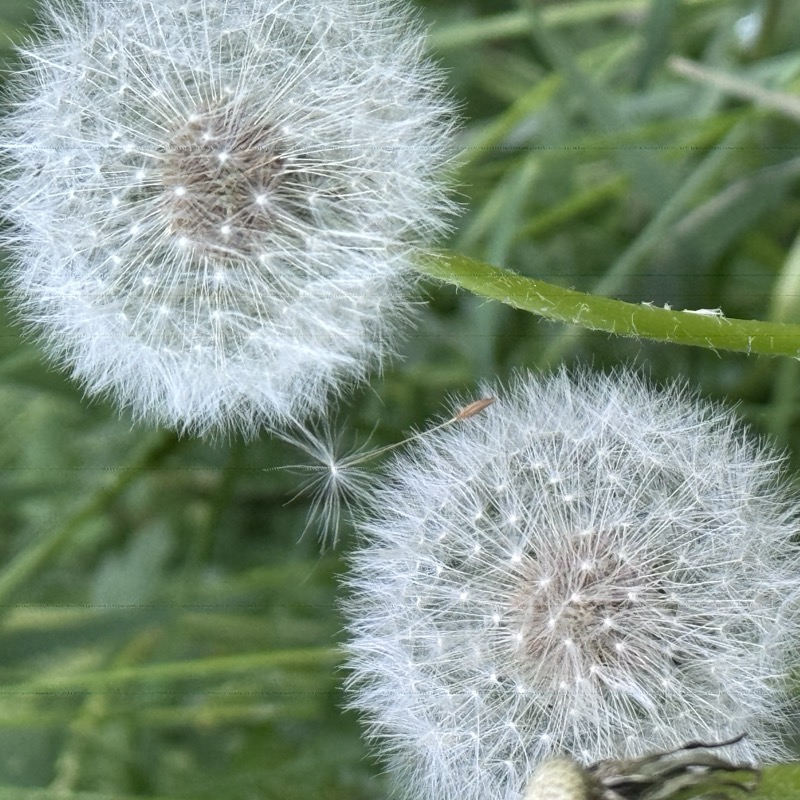 Photo app Macro Camera Pro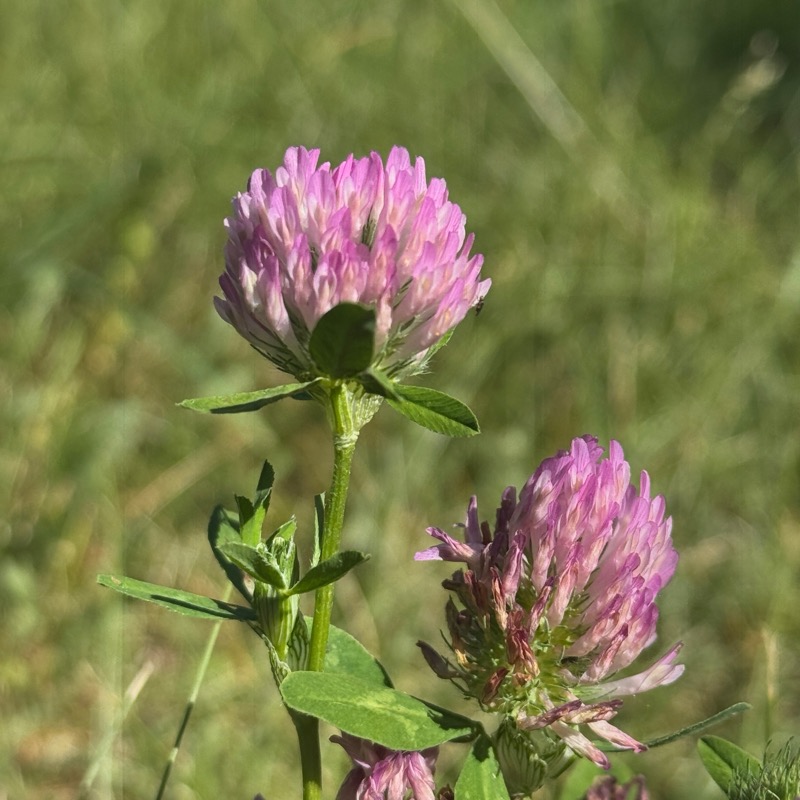
 Photo app Macro Camera Pro
 Take complete control. Lock your lens. Dial in focus with a precision slider. See exactly what's sharp with focus peaking. No more guessing.
Precision tools designed for the macro photographer in you.
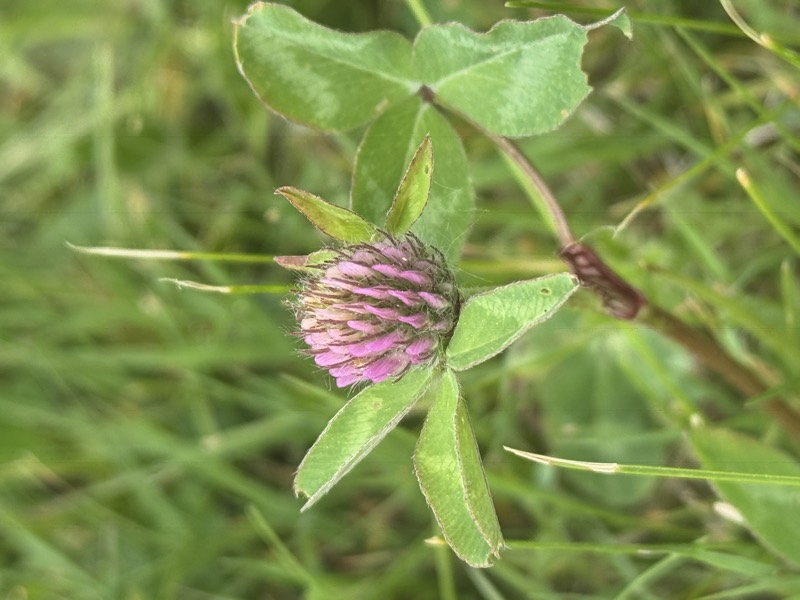
Real-world macro, captured in the field by photographers using the app.

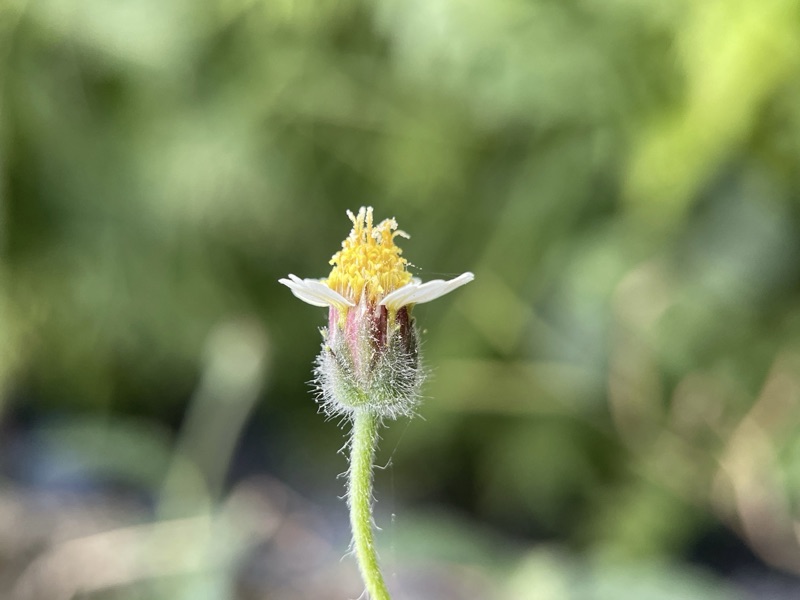
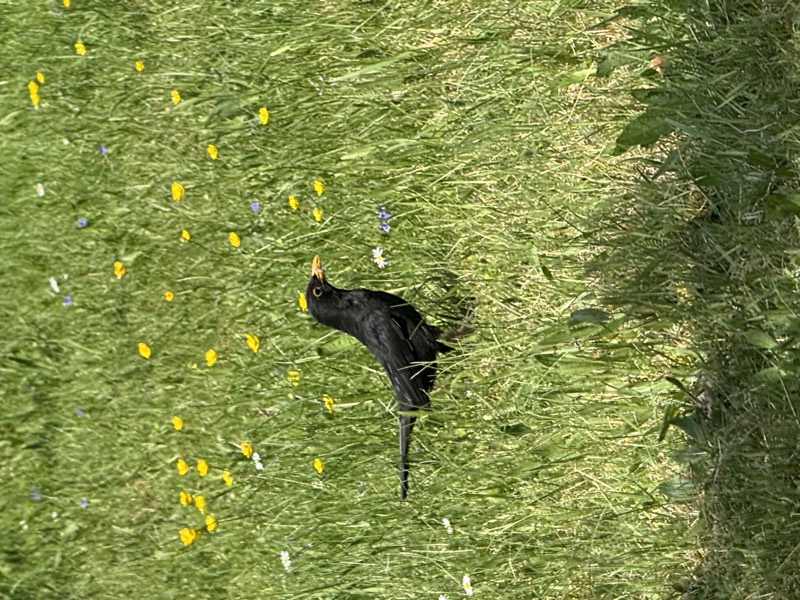
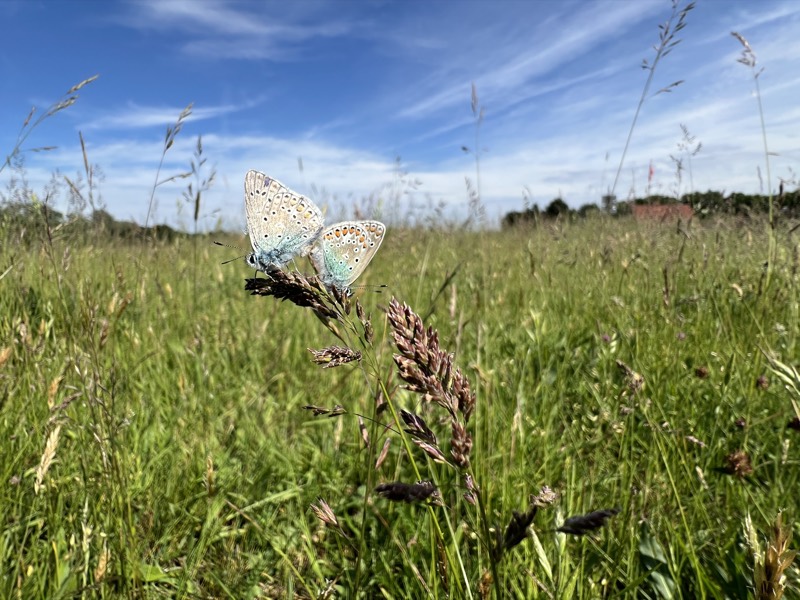
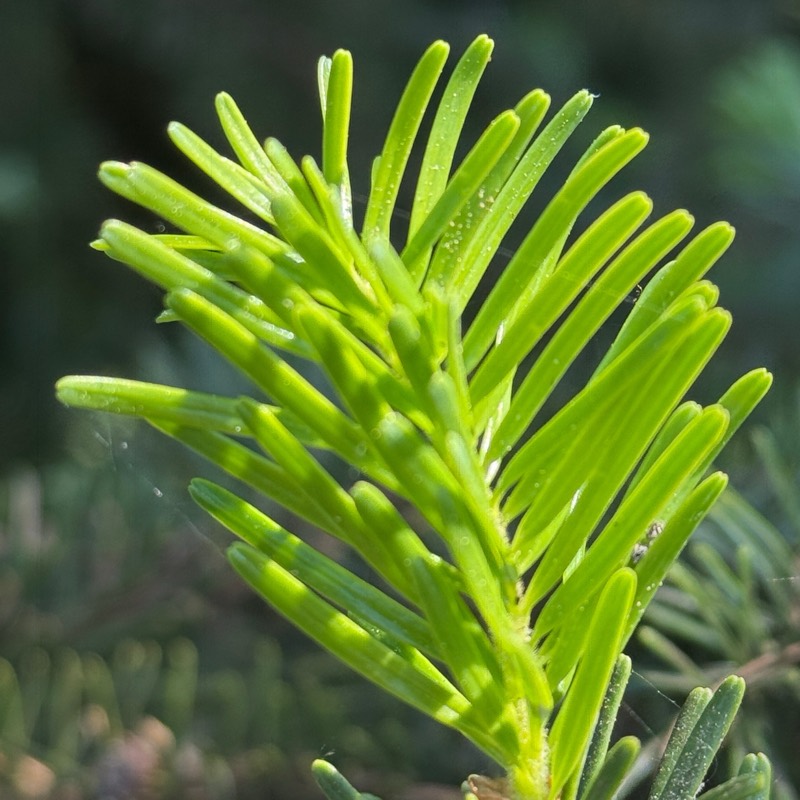
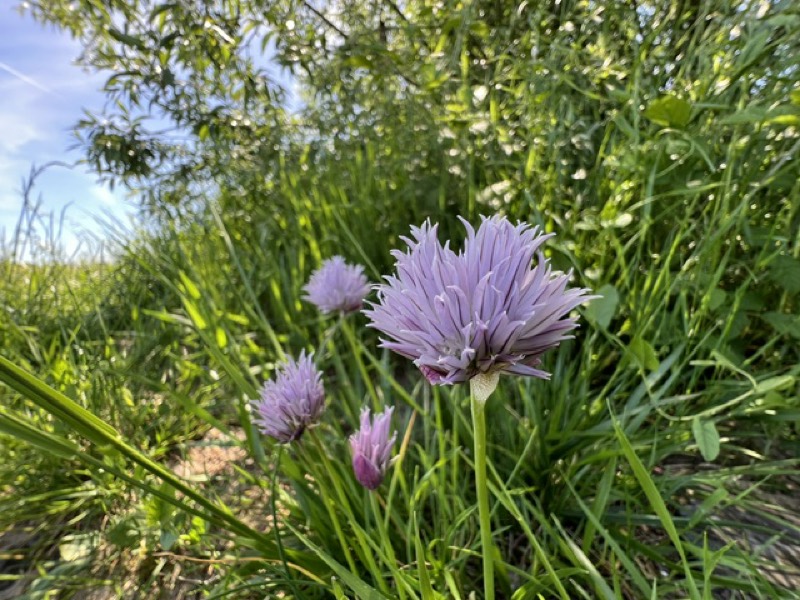
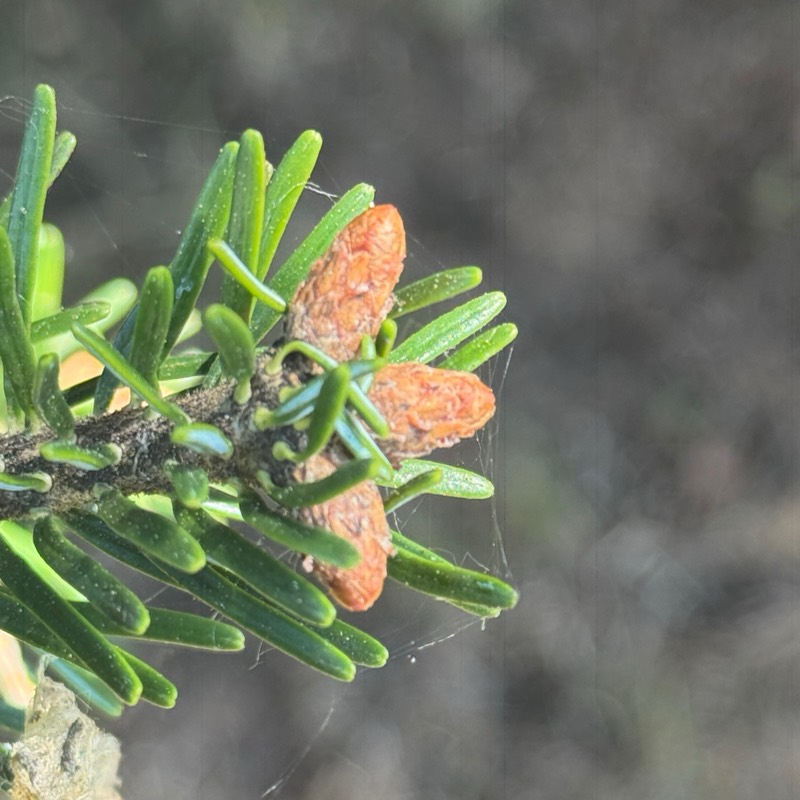
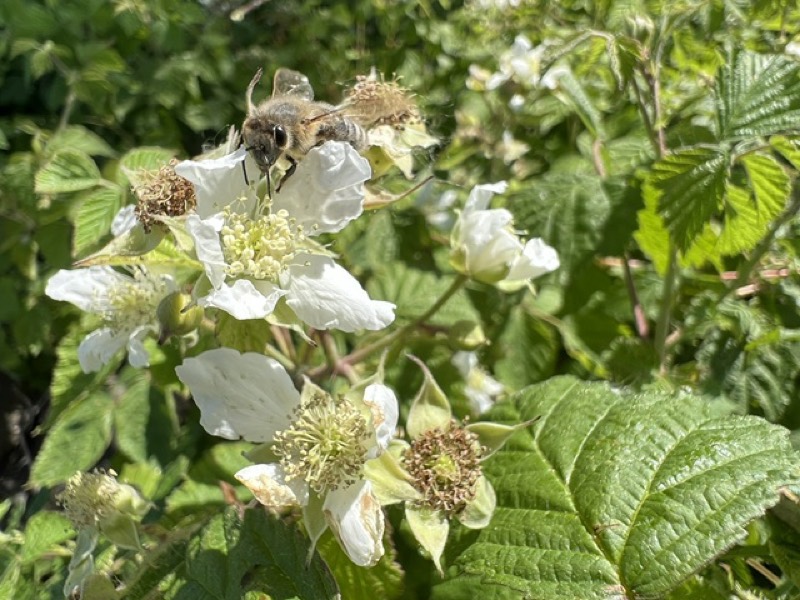

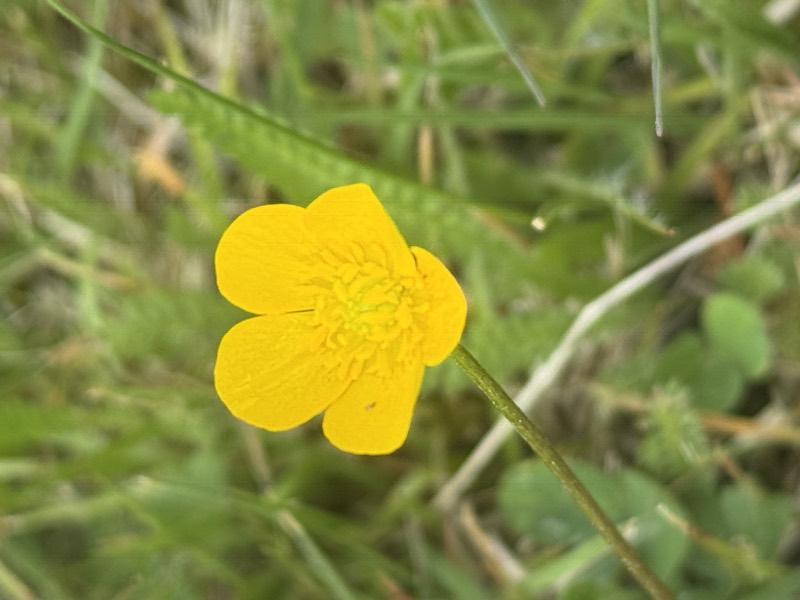
A complete manual toolkit — built for macro, ready for everyday photography.
A large, thumb-friendly slider with haptic feedback gives you millimeter-precise focal control. Focus Lock then holds your chosen focus distance steady while you recompose the shot.
Real-time highlights mark exactly what's sharp in the live viewfinder. Pick your highlight color — cyan, red, yellow, or green — and dial strength from Light to Medium to Bold for clean, confident edges.
Switch between Macro (ultra-wide close focus), Wide for standard manual shooting, and Telephoto for longer reach when your device supports it. Available lenses adapt to your hardware, and pinch to zoom the live view.
Live ISO and shutter speed readouts keep you informed. Let the camera handle it automatically, lock the exposure with AE Lock, or take full manual control of ISO and shutter when your device supports it.
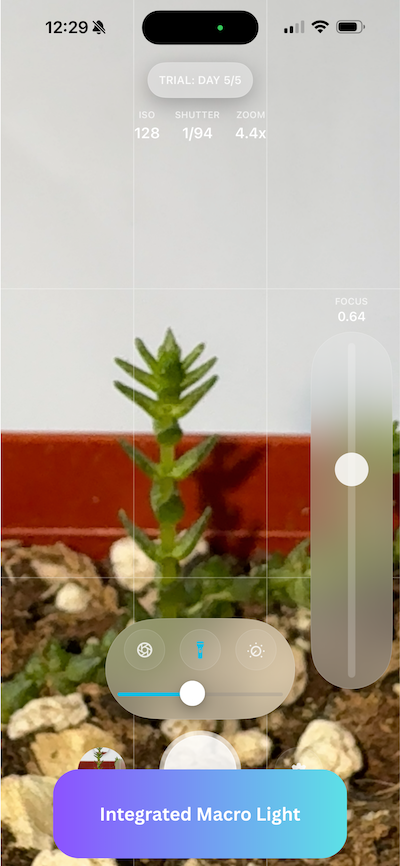
Turn the phone torch into a controlled, dimmable fill light for macro subjects. Adjustable brightness gives you gentle, continuous lighting without harsh shadows or flash artifacts.
Press the iPhone volume or capture button to take the shot — no tapping the screen, no camera shake. Steady, deliberate captures every time.
Shoot in Full, 4:3, 1:1, or 16:9 with JPEG or HEIF output. A grid overlay aids composition, orientation-aware capture keeps shots upright, and every photo saves straight to your Photos library.
Tactile feedback turns every control into something you can feel, for precise adjustments without looking. Tune the vibration intensity to your liking in settings.
Capture several frames at different focus points and merge them into one image with more of your subject sharp, front to back. Best results come from still subjects and a steady hand.
Coordinates are written straight into the photo file as standard EXIF, so the location travels with the image when you export or upload it. Built for anyone documenting species, habitats or field sites. Off until you turn it on.
One tap clears every slider and panel off the frame. Focus stays available as a thin handle at the screen edge, and both the shutter button and the volume button keep working — so a moving insect never costs you the shot.
One app, one purchase — the complete manual macro toolkit.
Engineered to leverage every pixel of your iPhone's advanced camera system.
Metal-accelerated rendering for instant preview response. What you see is what you capture.
Optimized code means longer shooting sessions. The camera works hard, not your battery.
No subscriptions. No hidden fees. Just honest, straightforward pricing.
$0
Full Pro features unlocked. No credit card required. Experience everything before you decide.
Pay once, own it forever. All features. All future updates. No subscription. No hidden fees.
Macro Camera Pro works on any iPhone running iOS 18 or later. How close you can focus depends on your Ultra-Wide lens.
Manual focus slider, Focus Lock, Focus Assist peaking, focus stacking, Soft Light, GPS tagging, hardware shutter, and all capture formats.
Plus true close-up macro at about 2 cm. Every Pro model since iPhone 13 Pro has one, and so does every standard model from iPhone 16 on.
The main camera can't focus as close: about 20 cm on iPhone 15 Pro, and the app measures the exact distance on your iPhone at first launch. Clip-on macro lenses work beautifully, because a clip-on defeats autofocus and manual focus is the only way to use one properly. The e-series models and iPhone Air have a single camera and no Ultra-Wide at all.