iPhone 15 Pro Camera Zooms Out When You Get Close? Why It Happens
Pinch to 3x or 5x, move closer, and the view suddenly widens. Why the iPhone 15 Pro telephoto can't focus up close, and how to keep your framing.
Practical, no-fluff guides to getting sharper close-ups on your iPhone — from the people behind Macro Camera Pro.

Pinch to 3x or 5x, move closer, and the view suddenly widens. Why the iPhone 15 Pro telephoto can't focus up close, and how to keep your framing.
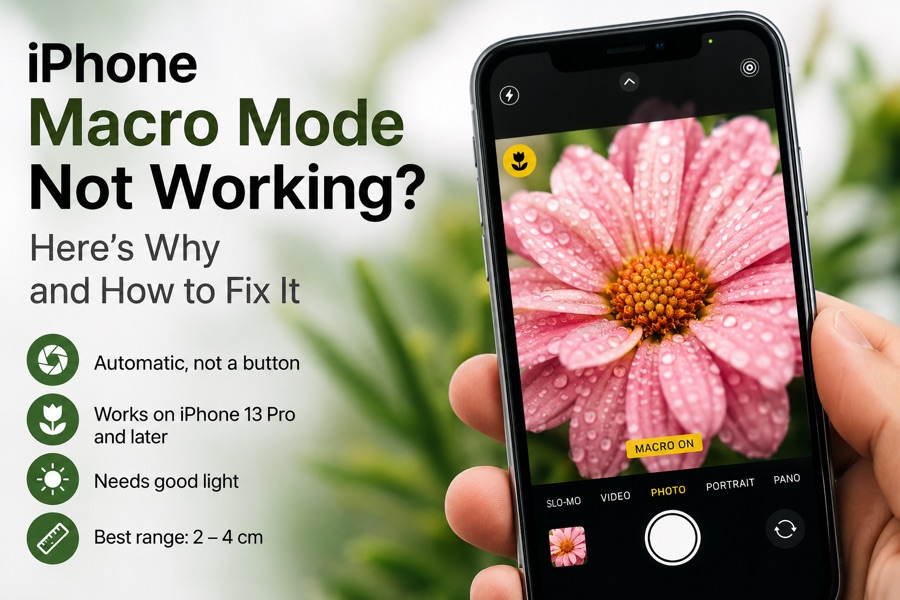
Macro mode won't switch on, or the flower icon is missing? Here's what triggers macro on iPhone, why it fails, and how to take manual control.
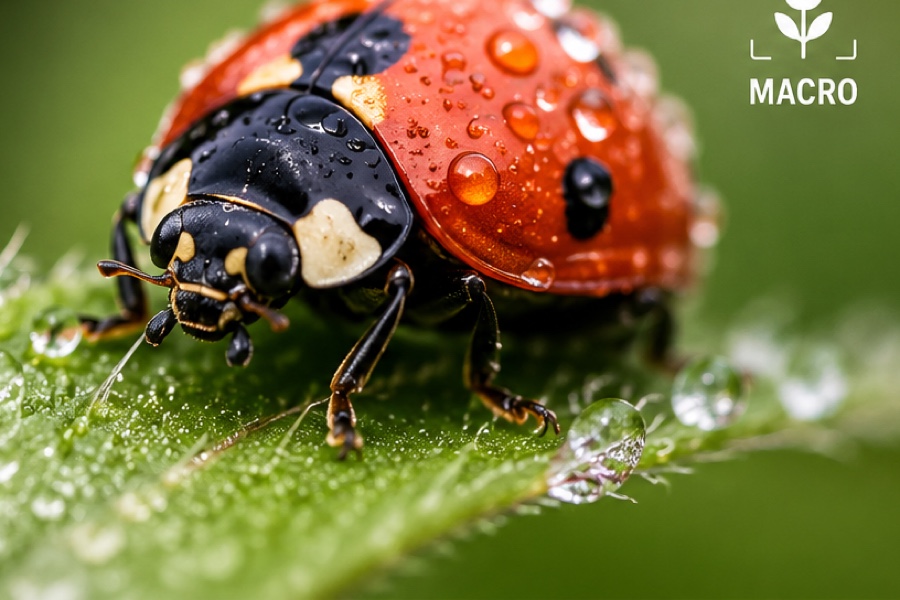
A step-by-step guide to sharp iPhone macro photos: the right lens, how to lock focus, light and stability tips, and the mistakes that cause blur.
iPhone macro shots coming out blurry? The real reason isn't your hands — it's the lens and the autofocus. Here's how to get sharp close-ups every time.

iPhone jumping to the macro lens mid-shot? Turn on Macro Control in Settings → Camera, tap the flower icon — and the fix when that fails.