iPhone Macro Mode Not Working? Here's Why and How to Fix It
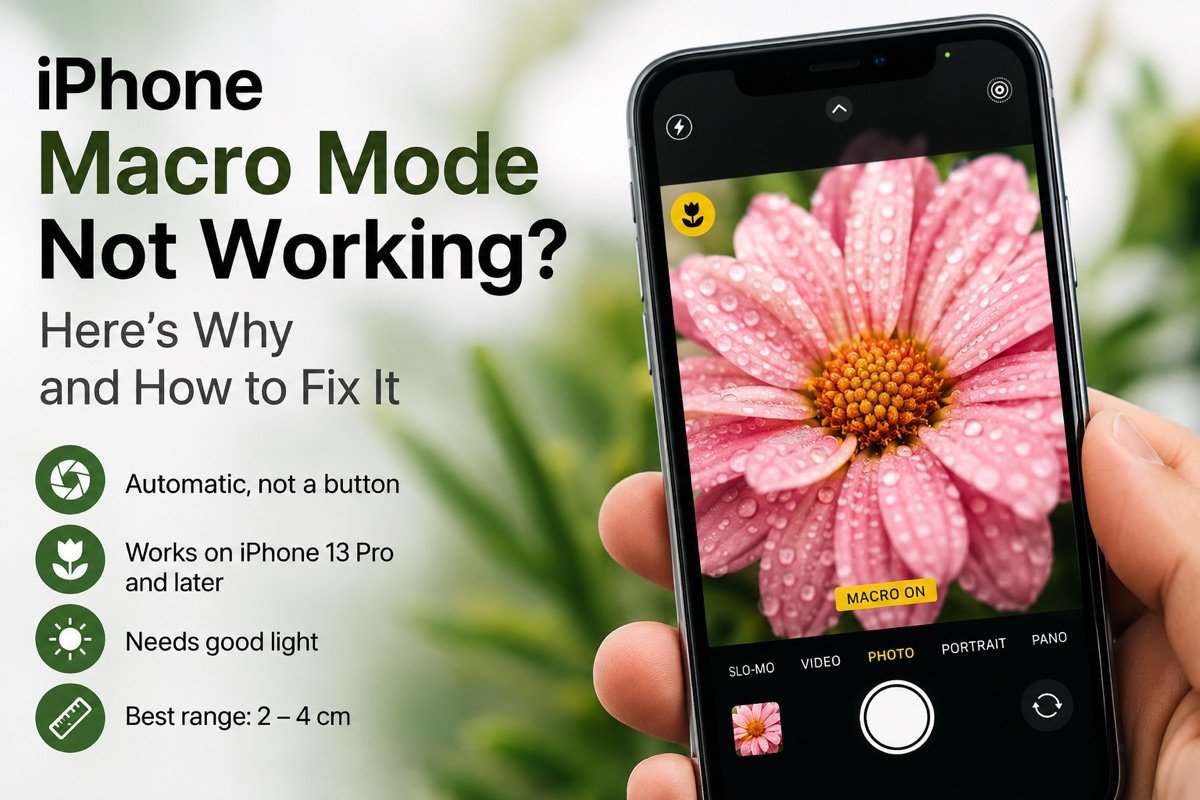
You bring the phone right up to a flower, wait for the shot to snap into detail, and nothing happens. No flower icon. The picture stays soft. Or macro fires once, beautifully, then refuses to do it again ten minutes later in the same spot.
Nothing is broken. On iPhone, macro isn’t a mode you turn on. It’s a decision the phone makes for you, silently, and when it decides against you there’s no error message explaining why. Once you know what it’s weighing up, the fixes are quick.
TL;DR Macro on iPhone is automatic, not a button. When the camera senses you’re within a few centimetres of something, it quietly switches to the Ultra-Wide lens. It needs an autofocus Ultra-Wide (every Pro model since iPhone 13 Pro, and every standard model from iPhone 16 on), it needs decent light, and it can be switched off under Settings → Camera → Macro Control. If it isn’t firing: turn Macro Control on so you get a flower icon to tap, add light, and work at roughly 2 to 4 cm. If your iPhone doesn’t have an autofocus Ultra-Wide, there’s no macro mode to repair, and your close-ups stop farther from the subject instead.
What macro mode actually is on iPhone
There’s no macro button in the stock Camera app, nothing sitting next to Photo, Video and Portrait. What Apple calls macro mode is an automatic lens hand-off:
- You bring the phone close to something.
- The camera works out that the main lens can no longer focus at that distance.
- It swaps to the Ultra-Wide, which focuses much closer, and crops the frame so the picture still looks like 1x.
You never asked for any of that, and when it works you never notice it happening. That’s deliberate, and it’s also why it feels broken when it doesn’t fire: there’s no error, and no setting sitting there obviously wrong.
Two things follow from the design, and between them they account for most complaints about iPhone macro. First, you can’t ask for it. If the phone decides your subject isn’t close enough, there’s no way to overrule it. Second, you can’t keep it. Once the switch happens, a small drift of your hand pushes you back out of range and the camera jumps to another lens halfway through composing.
Why macro isn’t triggering
1. Your iPhone doesn’t have the hardware
The most common answer, and the least satisfying. Automatic macro needs an Ultra-Wide lens that can autofocus. Every Pro model since iPhone 13 Pro has one, and so does every standard model from iPhone 16 on.
Older models either have a fixed-focus Ultra-Wide (the iPhone 11 and 12 lines, iPhone 13 and 13 mini, iPhone 14, 15 and their Plus models) or no Ultra-Wide at all (iPhone XR, SE, the e-series models and iPhone Air). There’s nothing for the phone to switch to, so it never switches. Close-ups on those models stop well short of macro distance, and closer than that will be soft whatever you do and whichever app you use.
If you’re on a supported model, read on.
2. Macro Control is switched off
On supported iPhones there’s a setting that turns the silent automatic behaviour into a visible toggle:
Settings → Camera → Macro Control
With it on, a small flower icon appears in the corner of the viewfinder whenever you’re close enough for macro. Tap it to force macro on, or to push it away. With it off, everything happens invisibly, which is why plenty of people have never heard of the setting.
Turn it on. Even if you never tap the icon, it tells you whether the phone thinks macro is available at all, which is the difference between a problem you can see and one you can only guess at.
3. There isn’t enough light
The Ultra-Wide has a smaller sensor and gathers less light than the main camera. In dim conditions the phone will often stay on the main lens and give you a soft close-up rather than a noisy one.
So macro that works on a windowsill at noon can stop working in the same spot that evening. Add light before you blame the phone: move to a window, or light the subject from the side with a desk lamp or a second phone’s torch. Side light also digs out texture, which is most of what you’re after in a close-up anyway.
4. You’re in a mode that doesn’t use it
Automatic macro applies to Photo and video. Portrait doesn’t use it. Portrait works off the main lens and depth data, and it has a much longer minimum distance of its own. If you’ve been trying close-ups in Portrait and wondering why they fail, that’s the reason.
5. You’re too close, not too far
Every lens has a hard physical limit, and even the autofocus Ultra-Wide stops focusing at roughly 2 cm. Press the phone right up against a leaf and there’s nothing it can do. The image stays soft and macro looks broken when the lens has simply run out of room.
Back off slightly. Two to four centimetres is the range where the switch happens reliably.
6. Something is on the lens
Fingerprints, a smear of sunscreen, a thick case lipping over the camera bump. At normal distances a slightly hazy lens costs you a bit of contrast. At 2 cm it’s enough to stop autofocus finding an edge to lock onto. Wipe the rear glass with a cloth and try again. It takes five seconds and it fixes this more often than it has any right to.
Fixing it, in order
Work down the list and stop when something changes.
1. Turn on Macro Control
Go to Settings → Camera and enable Macro Control. Open the camera, get close to something, and watch the corner of the screen.
2. Read what the icon tells you
If the flower appears, macro is available right now and you can tap to control it. If it never appears at any distance, the cause is hardware, light or shooting mode rather than the setting.
3. Add light
Move the subject into daylight, or light it from the side. This alone brings macro back in a surprising number of “it worked yesterday” cases.
4. Find the working distance
Start about 10 cm out and move in slowly to somewhere around 2 to 4 cm. Slowly is the important part: the switch takes a moment, and sweeping in fast usually means the phone is still deciding when you hit the shutter.
5. Clean the lens and take the case off
Wipe the rear glass. If you use a thick case, pull it off and test once without it.
6. Take the decision away from the phone
If you shoot close-ups often, coaxing the automatic system into cooperating is a losing game. Pick the Ultra-Wide lens yourself, lock it so it can’t switch, and set the focus by hand.
You’re not the only one who finds this frustrating
Writing about where Apple should take iPhone photography, Carl St. James made much the same complaint: iPhone macro depends on the Ultra-Wide lens, it’s unreliable about even appearing, and the stock camera gives you no way to lock focus at a distance of a few centimetres. You’re left hoping the phone works it out at the moment you need it.
That’s a fair description of the design. Automatic macro is built for someone who wants a readable photo of a menu, not for someone photographing an insect’s eye who needs the focus to stay put.
Taking manual control
Everything the automatic system does, you can do on purpose in a camera app that exposes the controls. You pick the Ultra-Wide yourself instead of hoping the phone chooses it, and you lock it so it can’t hand back to the main camera when your hand drifts. You set focus with a slider and it stays exactly where you put it. Focus peaking outlines the sharp areas in a colour you choose, so you can confirm the shot is sharp before you take it rather than finding out at home.
That’s what Macro Camera Pro does. Manual focus, lens lock, focus peaking and a torch, on any iPhone running iOS 18. True close-up macro at around 2 cm still needs an autofocus Ultra-Wide, found on every Pro model since iPhone 13 Pro, and every standard model from iPhone 16 on; on other iPhones you’ll be working farther from the subject. There’s a 5-day free trial and no subscription.
Common mistakes
- Waiting for a macro button in the stock camera. There isn’t one. The flower icon only shows up when Macro Control is enabled and the phone thinks macro is available.
- Assuming your model supports it. Automatic macro needs an autofocus Ultra-Wide (every Pro model since iPhone 13 Pro, and every standard model from iPhone 16 on), and no setting will add it to other phones.
- Shooting close-ups in Portrait, which doesn’t use macro at all.
- Moving in too fast. The lens switch takes a beat, so approach slowly.
- Blaming the phone when the real problem is the light.
- Getting closer when the shot looks soft. Past about 2 cm you’re inside the limit and nothing can focus, so back off instead.
- Zooming to 1x and assuming you’ve left macro. Up close, 1x may already be a cropped Ultra-Wide frame, so the label doesn’t always tell you which lens is doing the work.
Quick reference
| Symptom | Likely cause | Fix |
|---|---|---|
| No flower icon, ever | Macro Control off, or unsupported model | Settings → Camera → Macro Control |
| Worked earlier, not now | Not enough light | Light the subject from the side |
| Won’t trigger in Portrait | Portrait doesn’t use macro | Switch to Photo mode |
| Soft when very close | Inside the ~2 cm limit | Move back to 2 to 4 cm |
| Switches, then switches back | Hand drift out of range | Lock the lens in a manual app |
| Soft on an iPhone without macro | No autofocus Ultra-Wide | Back off until it sharpens, or add a clip-on macro lens |
| Hazy, won’t lock focus | Dirty lens or thick case | Wipe the glass, remove the case |
Still soft once macro is working? That’s a separate problem. Have a look at why macro shots come out soft or blurry, or start from the full macro guide.
Frequently asked questions
How do I turn on macro mode on iPhone? You don’t turn it on directly, because it’s automatic. What you can enable is Settings → Camera → Macro Control, which puts a flower icon in the viewfinder so you can force macro on or off whenever the phone offers it.
Why is there no macro option in my camera? Either your iPhone lacks an autofocus Ultra-Wide lens, or Macro Control is switched off in Settings. Automatic macro needs that lens: every Pro model since iPhone 13 Pro, and every standard model from iPhone 16 on. Other iPhones don’t switch to macro on their own.
Which iPhones have macro mode? Every Pro model since iPhone 13 Pro, and every standard model from iPhone 16 on. Those have an Ultra-Wide lens that can autofocus, which is what makes close focusing possible. The e-series models and iPhone Air have no Ultra-Wide at all.
Why does macro mode turn itself off? Usually light or distance. In dim conditions the phone prefers the main lens, and if you drift outside roughly 2 to 4 cm it hands the frame back. Locking the lens in a manual camera app stops the hand-off.
Can I use macro mode with Portrait? No. Portrait doesn’t use the Ultra-Wide lens or macro focusing, and it has a much longer minimum focus distance.
Do I need an app to shoot macro? No, automatic macro works in the stock camera on supported models. An app helps when you want to choose the lens deliberately, keep it locked, set focus by hand, and confirm sharpness before pressing the shutter.
How close can an iPhone focus? About 2 cm on an autofocus Ultra-Wide, found on every Pro model since iPhone 13 Pro, and every standard model from iPhone 16 on. The main lens stops much farther out, about 20 cm on iPhone 15 Pro, and a fixed-focus Ultra-Wide can’t reach macro distances either.